LIVE · v0.1.1 · macOS 12+
1 BIT DATA
> Where did your data go?
// WHAT IT DOES
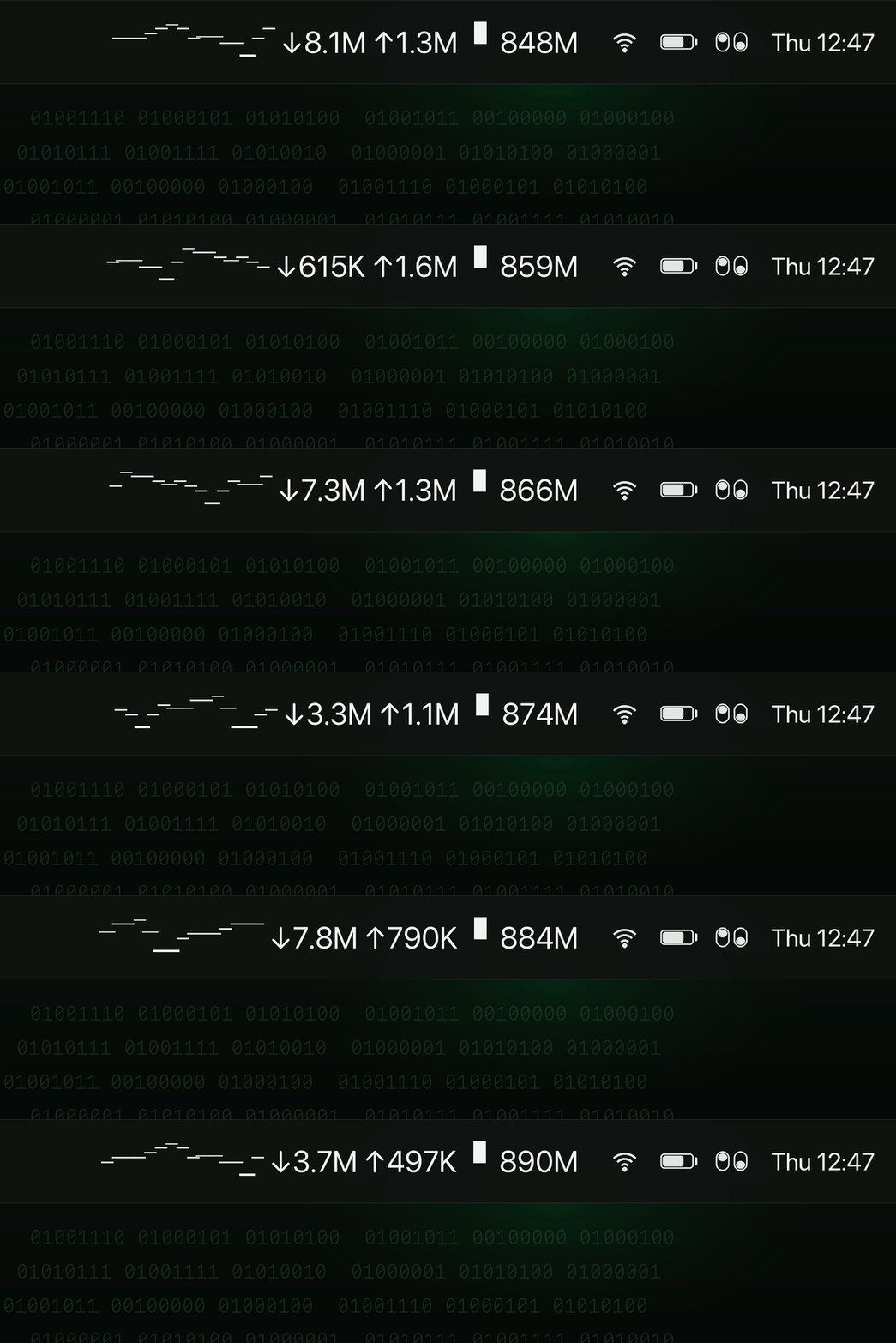
- Menu bar live readout — current ↓/↑ speed, today's total, mini sparkline graph.
- Per-app + per-destination tracking via macOS
nettop, enriched with DNS hostname + GeoIP (country, ISP, city). - Service grouping — CDN IPs auto-aggregated under their registrable domain or ISP, so reports read like a story.
- Network-aware — auto-detects current Wi-Fi or hotspot via gateway IP, supports friendly aliases.
- Native dashboard — 8 tabs: overview, apps, destinations, quotas, networks, reports, export, settings.
- HTML reports — daily / monthly / yearly / last 30 days with charts, drill-down, hourly heatmap.
- Built-in speed test using macOS
networkQuality, with history. - Quotas + macOS notifications — daily / weekly / monthly limits per app or per network.
- CSV / JSON export for any period.
- 6 languages — English, Turkish, Spanish, Japanese, Simplified Chinese, Hindi.
// WHY IT EXISTS
On a mobile hotspot or a metered plan, the question "where did my data go this month?" is surprisingly hard to answer. macOS's built-in Network Utility only shows live speed. Third-party tools tend to be expensive, send your usage to a server, or both. 1 Bit Data is the small tool that should have come with the OS: live, local, honest, with the same terminal aesthetic as everything else from this studio.
// SPECS
PLATFORM
macOS 12+
ARCHITECTURE
Universal (Intel + ARM)
SIGNING
Notarized by Apple
SOURCE
MIT · Open
[ DOWNLOAD .DMG · v0.1.1 ]
// free · open source (MIT) · 10 MB
// Developer ID signed + Apple notarized — Gatekeeper will not warn
// Developer ID signed + Apple notarized — Gatekeeper will not warn
// INSTALL
- Download the
.dmgabove. - Open it, drag the app into Applications.
- Launch — first run may ask permission to monitor network activity. Grant it.
// NOTE: 1 Bit Data is distributed through GitHub Releases rather than the Mac App Store. This is intentional —
nettop access is incompatible with App Store sandboxing. The binary is signed with a Developer ID and notarized by Apple.